Success on YouTube isn't just about making great videos; it's about understanding the data behind them. In this guide, we'll walk you through how to leverage YT Pro Analytics to gain a competitive edge, track your growth, and optimize your content strategy using real-world examples.
1Enter Your Channel URL
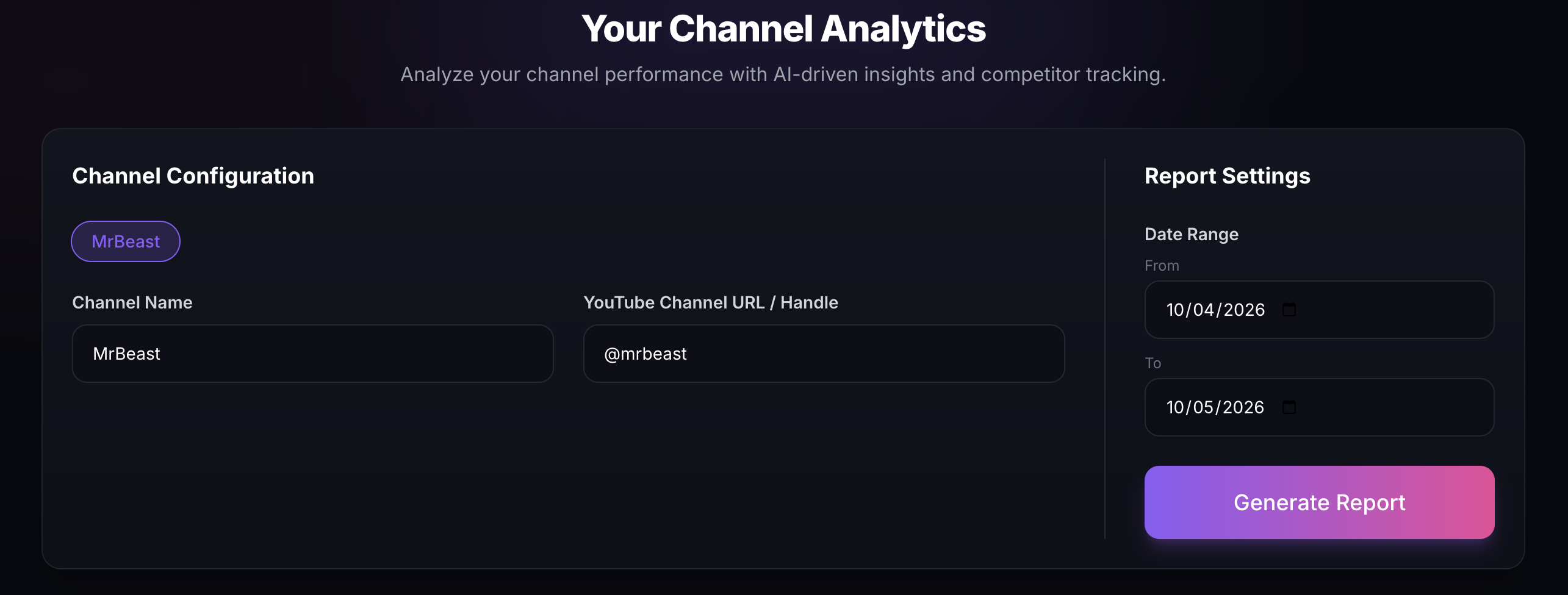
The journey starts on the home page. Simply paste the URL of any public YouTube channel into the search bar. Whether it's your own channel or a competitor's, YT Pro Analytics will fetch the data in seconds.
2Analyze the Dashboard Overview
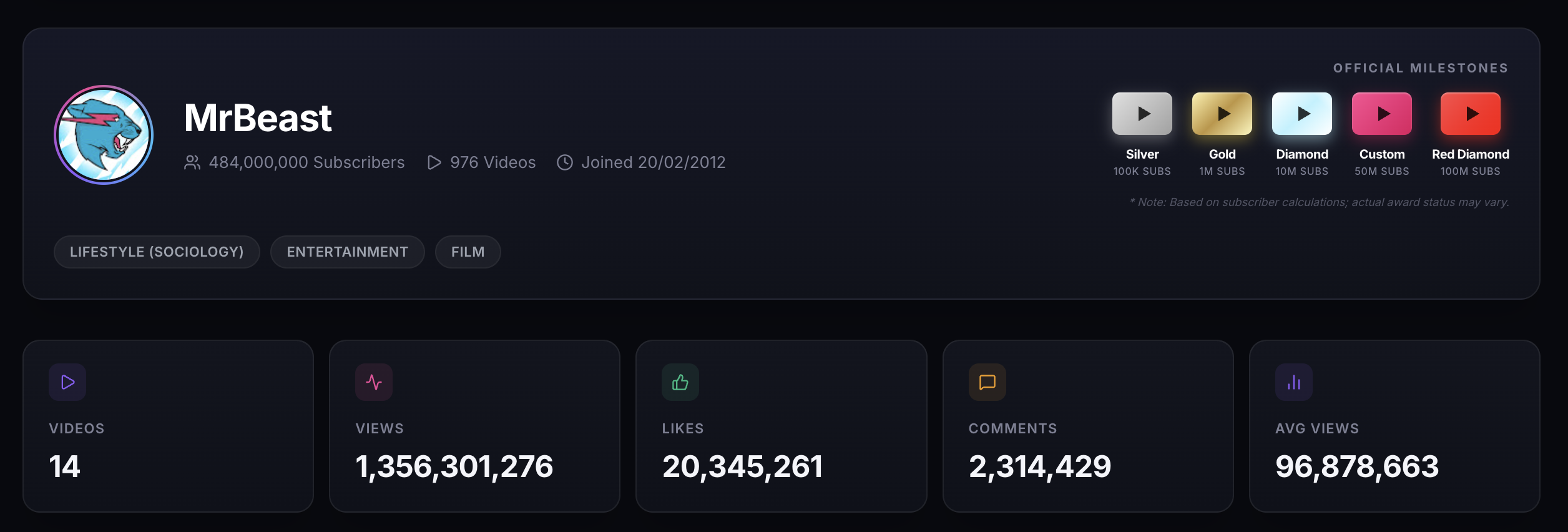
Once loaded, the dashboard provides a high-level "Vital Signs" check for the channel. You'll see real-time stats including subscriber counts, total videos, and engagement metrics.
3Track Milestones & Growth Trends
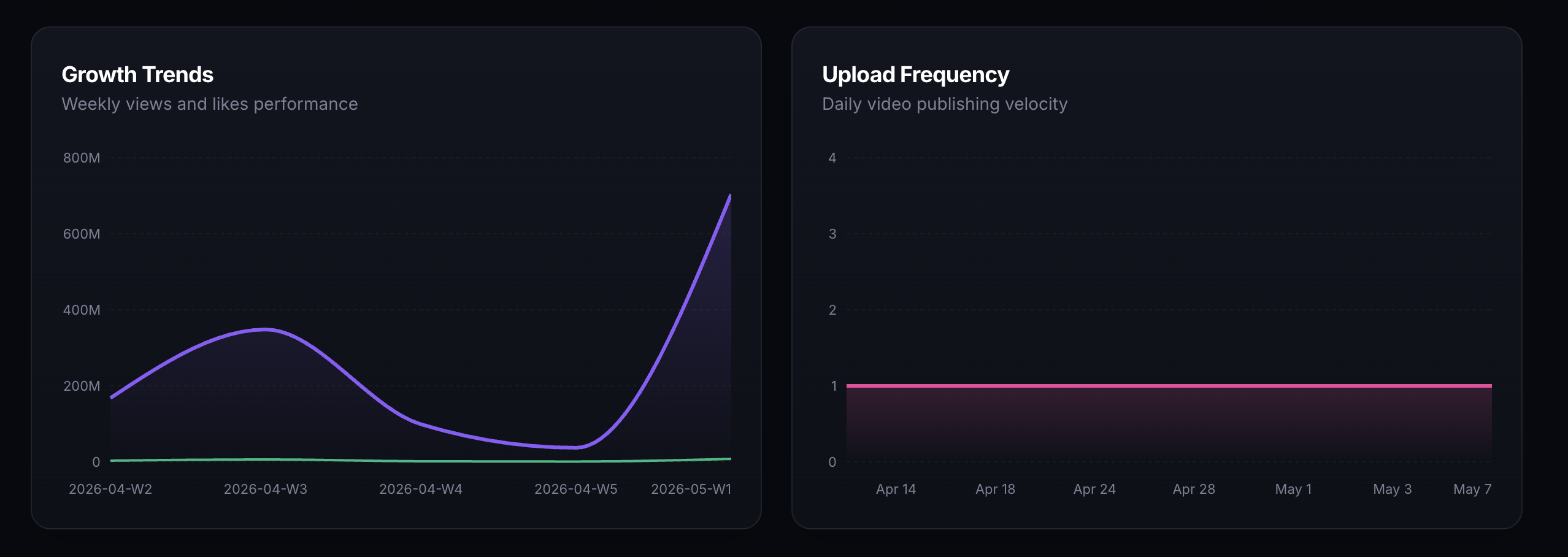
One of the most powerful tools in YT Pro is the Milestone Projection. We don't just tell you where you are; we predict where you're going based on your last 90 days of performance.

4Optimize with Content-Type Analysis
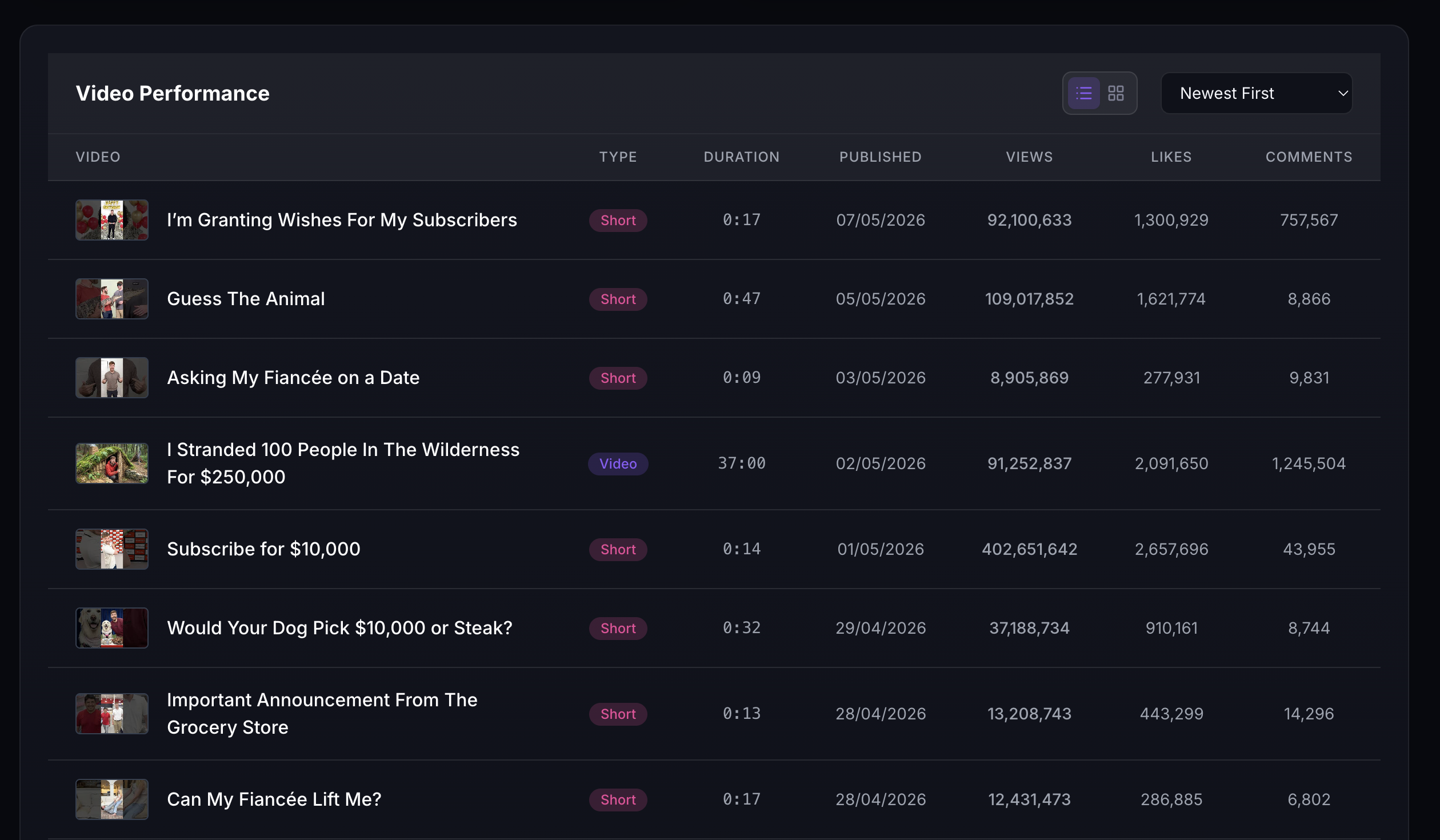
Scroll down to the Format Mix section to see how your Shorts perform compared to your long-form videos. This data is crucial for deciding whether to double down on vertical content or stick to traditional uploads.
5Compare Channels Side by Side
Use the Compare feature to benchmark your channel against competitors. Spot gaps in upload frequency, engagement rates, and video length to find where you can outperform the competition.